






Cricut® Infusible Ink™ Transfer Sheet Patterns, Rainbow
$7.99
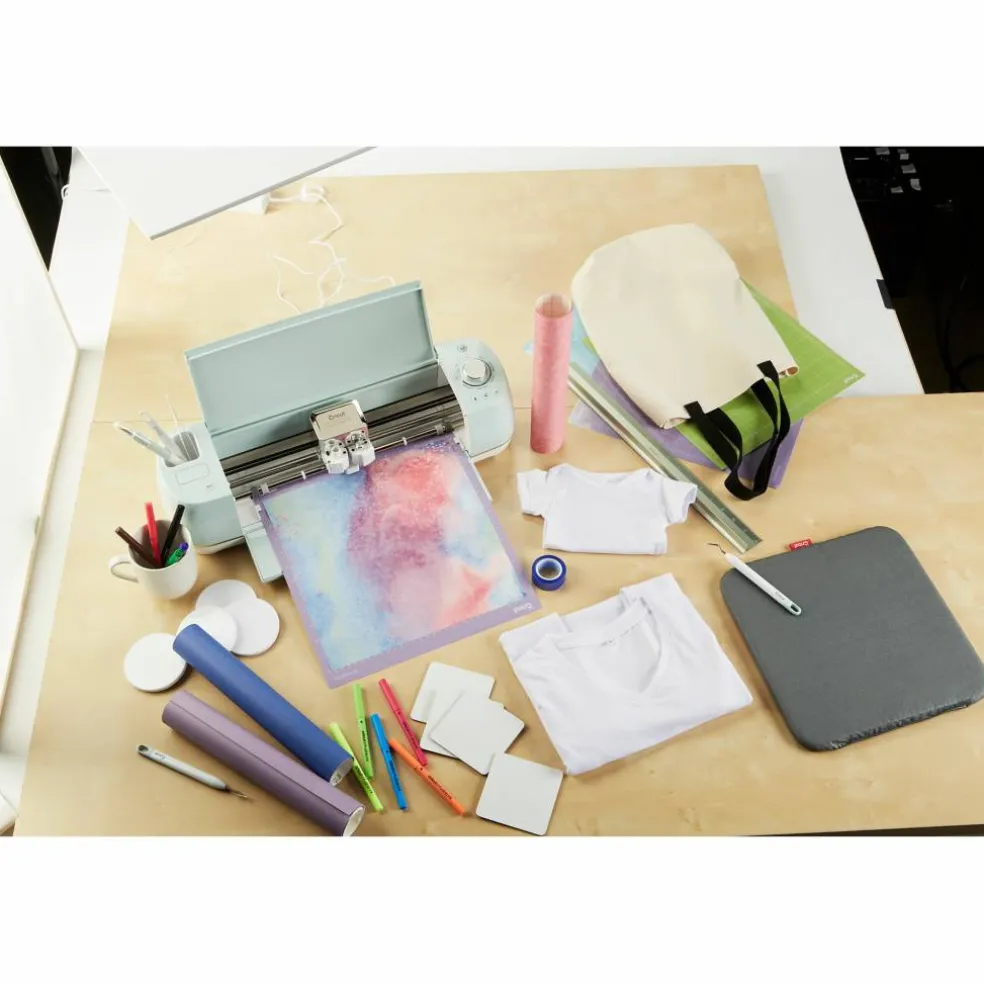
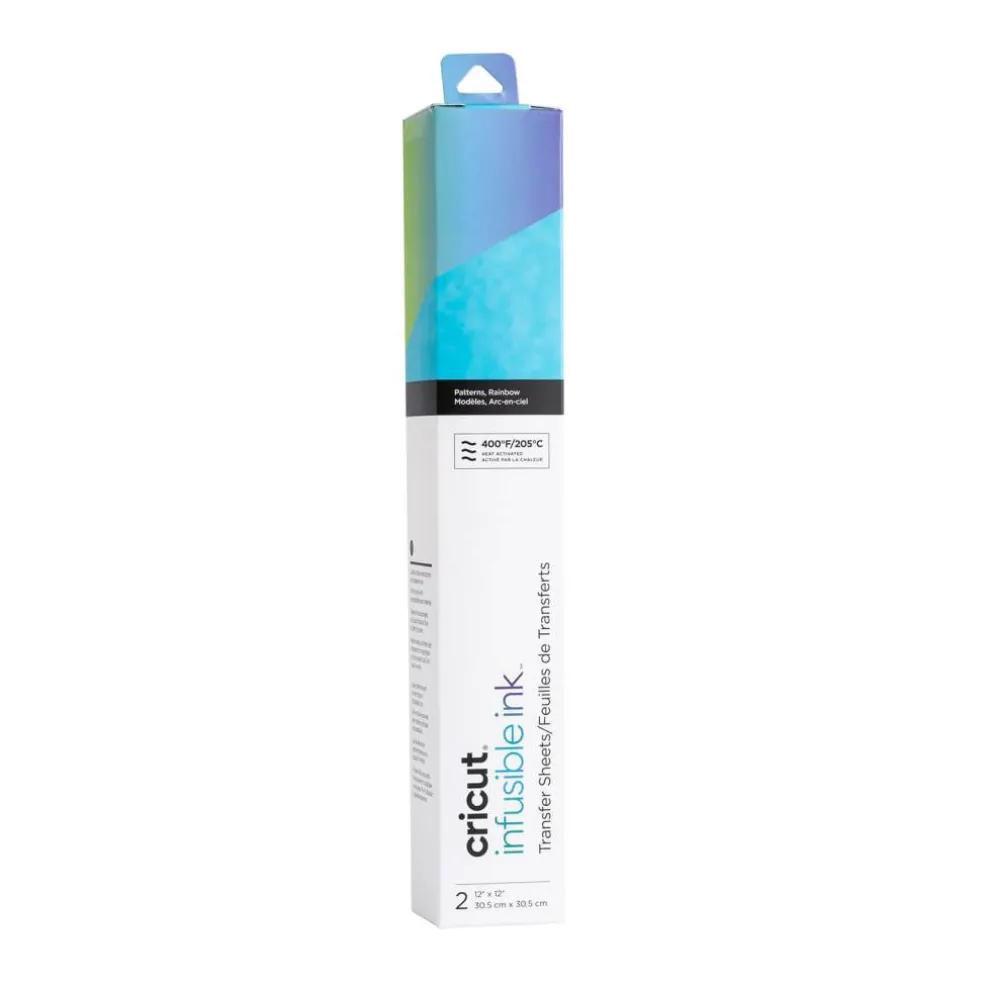
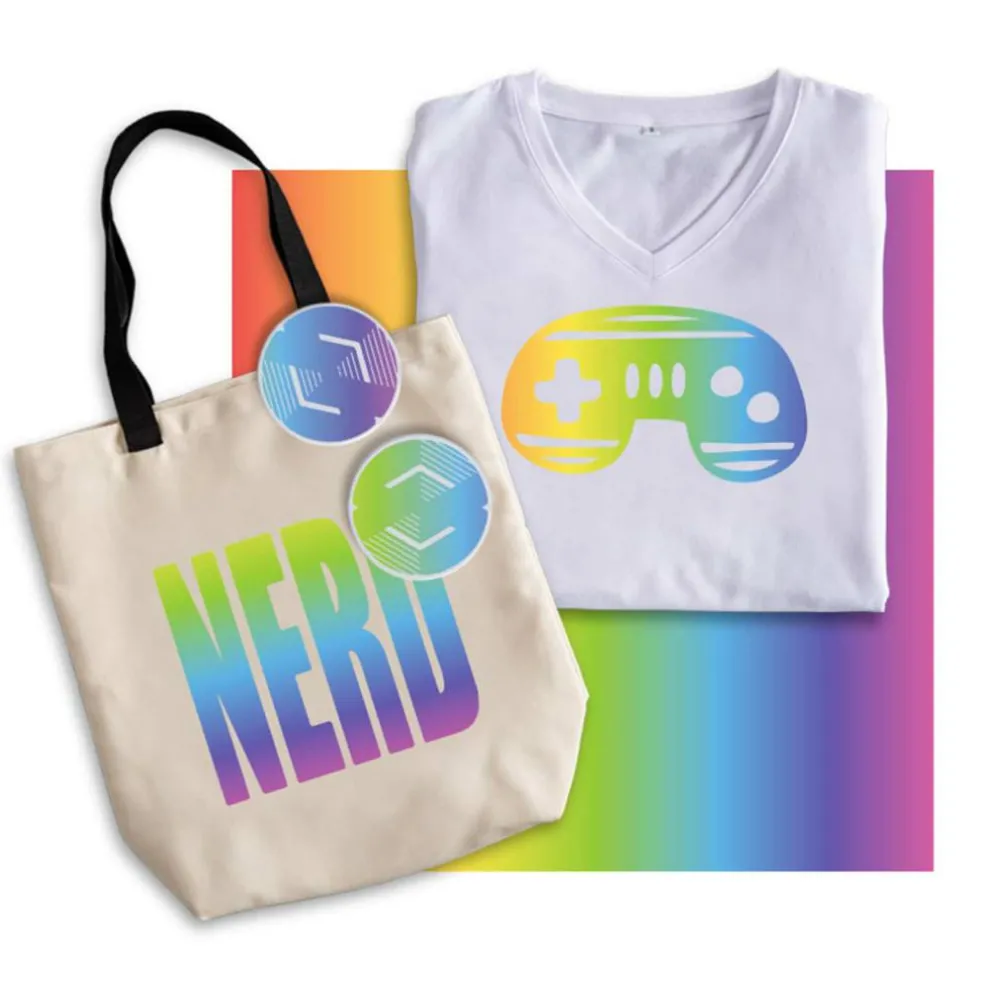
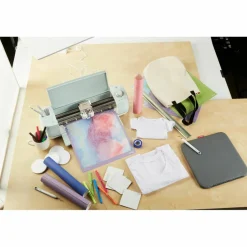
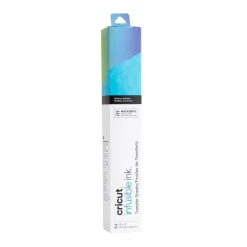
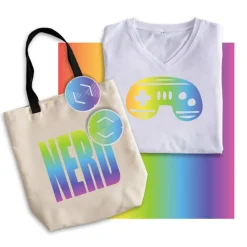
Make the rainbow connection. Get ready for the next hottest thing in heat transfers! Customize T-shirts, totes, and more with pro-level transfers that last a lifetime. Personalize any compatible Infusible Ink blank with a name, logo, inside joke, or favorite quote using your Cricut cutting machine and these ready-to-cut sheets in complementary patterns. When transferred using high temperatures, these pre-inked sheets blossom into vibrant, vivid hues before your eyes. The end result is vivid, brilliant, seamlessly smooth transfers that are peel-proof, flake-proof, and wash-proof! Combine with complementary Infusible Ink Pens & Markers or solid colors for truly unique creations.r
r
What is the Infusible Ink process? Unlike an iron-on transfer or vinyl application, where artwork is attached on top of a base material using adhesive, an Infusible Ink heat transfer becomes one with the material itself.r
r
How it works:r
1. Choose your materials. Select Infusible Ink Transfer Sheets or Infusible Ink Pens & Markers and a compatible Cricut blank (sold separately).r
2. Make your design. Cut Infusible Ink Transfer Sheets or draw with Infusible Ink Pens & Markers using laser copy paper (sold separately).r
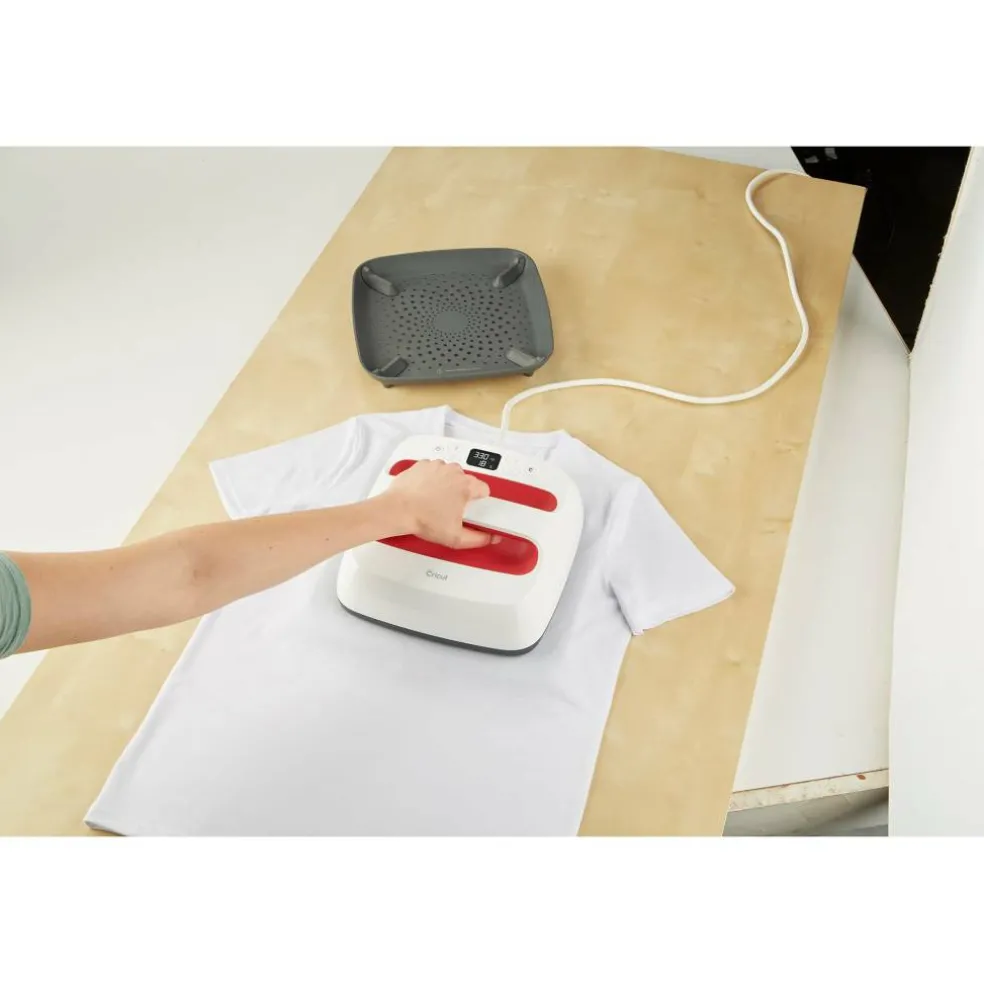
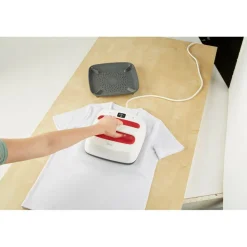
3. Apply heat. Infuse your design into your Cricut blank with Cricut EasyPress 2 (or heat press that reaches 400°F (205°C). r
r
Learn how to make a T-Shirt with Transfer Sheets here!r
r
Learn how to make a Tote with Transfer Sheets here!r
r
The Infusible Ink system includes Infusible Ink Transfer Sheets in a variety of solid colors and patterns, as well as Infusible Ink Pens & Markers. Plus a growing list of compatible Infusible Ink blanks, including T-shirts, tote bags, and coasters.Note: Sheets are light sensitive and will be damaged by contact with water. Store in a dark, dry place.r
r
Details:r
r
Includes assorted colors and patternsr
12″ x 12″ (30.5 cm x 30.5 cm) sheet sizer
2 rainbow transfer sheetsr
Produces vibrant, pro-quality transfers that last a lifetimer
Water-based, acid-freer
Requires compatible Infusible Ink blank (sold separately) and Cricut EasyPress™ 2 or heat press that reaches 400°F (205°C)r
Transferred inks never flake, peel, crack or wrinkler
Cut designs for T-shirts, coasters, baby bodysuits, tote bags, and morer
r
Care and usage:r
r
Carefully follow instructions at help.cricut.comr
Sheets will be damaged by liquid/moisture. Store in dark, dry place.r
Will not work with incompatible base materialsr
Not intended for consumption or to be used on skinr
For adult use onlyr
For Cricut smart cutting machines and Cricut EasyPressr
r
r
r
What is the Infusible Ink process? Unlike an iron-on transfer or vinyl application, where artwork is attached on top of a base material using adhesive, an Infusible Ink heat transfer becomes one with the material itself.r
r
How it works:r
1. Choose your materials. Select Infusible Ink Transfer Sheets or Infusible Ink Pens & Markers and a compatible Cricut blank (sold separately).r
2. Make your design. Cut Infusible Ink Transfer Sheets or draw with Infusible Ink Pens & Markers using laser copy paper (sold separately).r
3. Apply heat. Infuse your design into your Cricut blank with Cricut EasyPress 2 (or heat press that reaches 400°F (205°C). r
r
Learn how to make a T-Shirt with Transfer Sheets here!r
r
Learn how to make a Tote with Transfer Sheets here!r
r
The Infusible Ink system includes Infusible Ink Transfer Sheets in a variety of solid colors and patterns, as well as Infusible Ink Pens & Markers. Plus a growing list of compatible Infusible Ink blanks, including T-shirts, tote bags, and coasters.Note: Sheets are light sensitive and will be damaged by contact with water. Store in a dark, dry place.r
r
Details:r
r
Includes assorted colors and patternsr
12″ x 12″ (30.5 cm x 30.5 cm) sheet sizer
2 rainbow transfer sheetsr
Produces vibrant, pro-quality transfers that last a lifetimer
Water-based, acid-freer
Requires compatible Infusible Ink blank (sold separately) and Cricut EasyPress™ 2 or heat press that reaches 400°F (205°C)r
Transferred inks never flake, peel, crack or wrinkler
Cut designs for T-shirts, coasters, baby bodysuits, tote bags, and morer
r
Care and usage:r
r
Carefully follow instructions at help.cricut.comr
Sheets will be damaged by liquid/moisture. Store in dark, dry place.r
Will not work with incompatible base materialsr
Not intended for consumption or to be used on skinr
For adult use onlyr
For Cricut smart cutting machines and Cricut EasyPressr
r
r
Be the first to review “Cricut® Infusible Ink™ Transfer Sheet Patterns, Rainbow”
Related products
Craft Machines
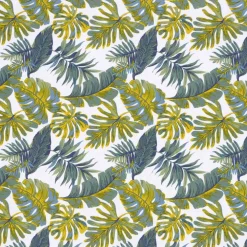
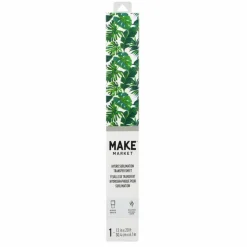
12 Pack: 12″ x 20ft. Tropical Leaves Hydro Sublimation Transfer Sheet by Make Market®
$38.99
Sale!

Craft Machines
Costway 23.5″ x 19″ Bath Mat HIPS Spa Shower Mat for Bathroom with Non Slip Foot Pads Brown/White
Original price was: $16.00.$11.99Current price is: $11.99.
Sale!


Original price was: $14.00.$10.89Current price is: $10.89.
Sale!
Craft Machines
Original price was: $118.00.$81.89Current price is: $81.89.
Sale!
Craft Machines
Original price was: $124.00.$84.89Current price is: $84.89.
Sale!
Craft Machines
Original price was: $143.00.$94.89Current price is: $94.89.

Sale!
Craft Machines
Original price was: $57.00.$40.99Current price is: $40.99.
Sale!
Craft Machines
Original price was: $11.00.$7.99Current price is: $7.99.



Reviews
There are no reviews yet.